
Always remember.


Always remember.
Ever since I published my original post, “What can you buy with 100 yen?” that has been one of the most popular search terms that has brought people to my blog. (And sorry, searchers looking for, “What will 1 yen buy?” The answer is, not a darn thing.) I thought it would be fun to actually try and answer that question.
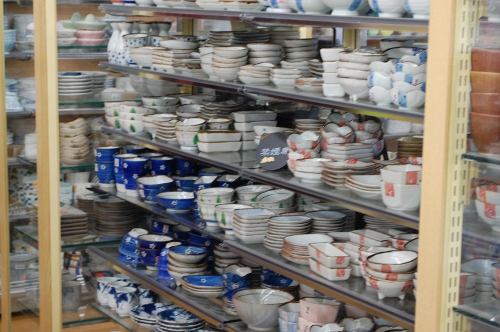
100 yen can buy you a dish,
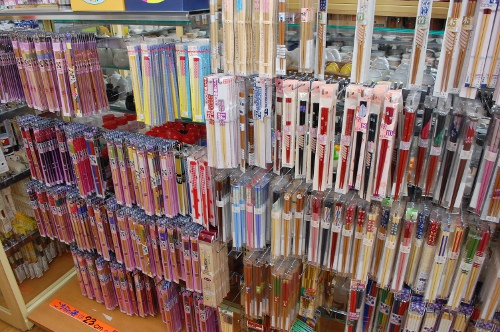
a pretty pair of chopsticks (or about five pair of plain ones),
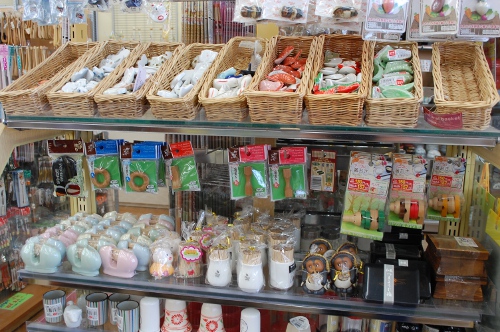
a toothpick holder or a chopstick rest,
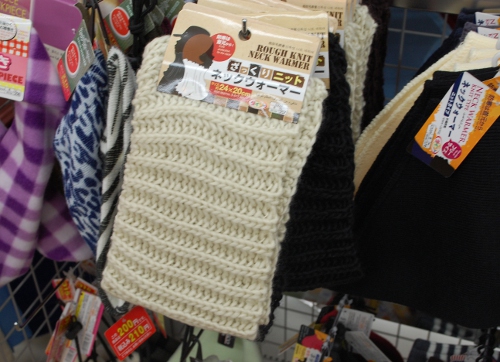
a chunky knit neckwarmer (it totally looks like it could be handmade! Take off the tags and use it for that person who keeps nagging you to knit for them),
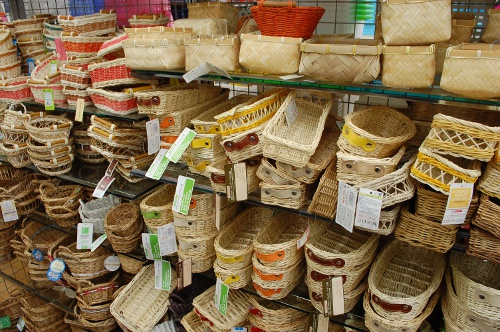
a basket,
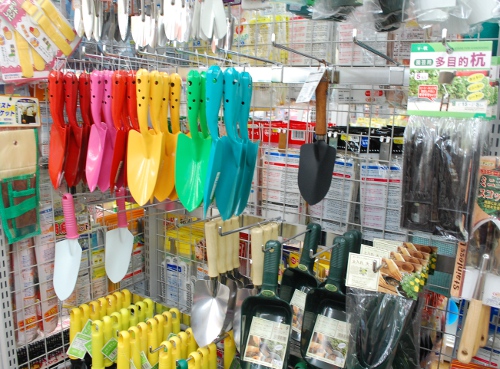
a trowel!
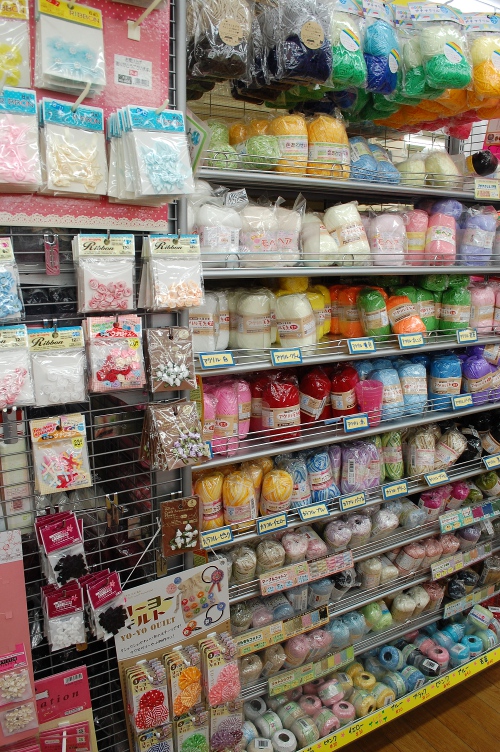
100 yen will buy you a packet of buttons,

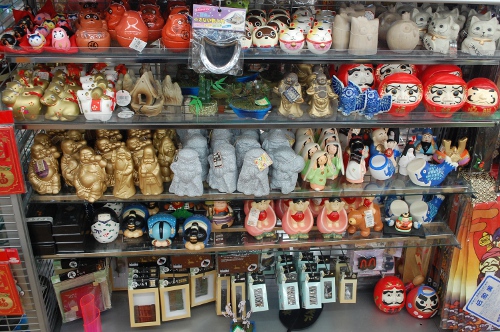
or a decent souvenir.
100 yen will even buy you a ball of wool.
Over the years I’ve also bought candy, bamboo crochet hooks/knitting needles, flowerpots, socks, neckties, hats, shelves, bookends, bento boxes, toy trains, fireworks, beach balls, magazine holders, sticker books, stuffed animals, brooms, puzzles, picture frames, and coin banks at my hundred yen store. Oh, Daiso, I will miss you.
If you haven’t heard, Daiso is now in America! So, if you’re in California or Washington, go check them out! You can thank me later.
The other day I was playing with some photos and I thought, “I’ll bet I can make these sepia with GIMP.” So I searched, and I found a tutorial. It was long, and it was complicated, but I persevered and at the end, I had a very nice sepia photograph!
Imagine my chagrin, then, when I later discovered that you can get an almost identical effect with one click.

So, you get your photo. (I LOVE this picture. Greg thought it was unfortunate that Tommy was crying, but I think it’s ADORABLE.)
Open it in GIMP. Go to Filters > Decor > Old Photo. The Script-Fu box will pop up with various options – I don’t like to use the Mottle or Defocus, so I just pick Sepia and set the border to 10 pixels (for a photo this size).
Then ta-da!
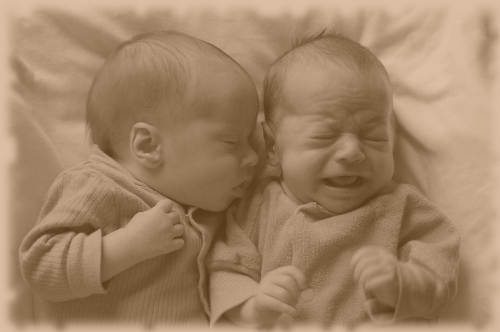
You have a lovely sepia photo and it only took you about ten seconds.